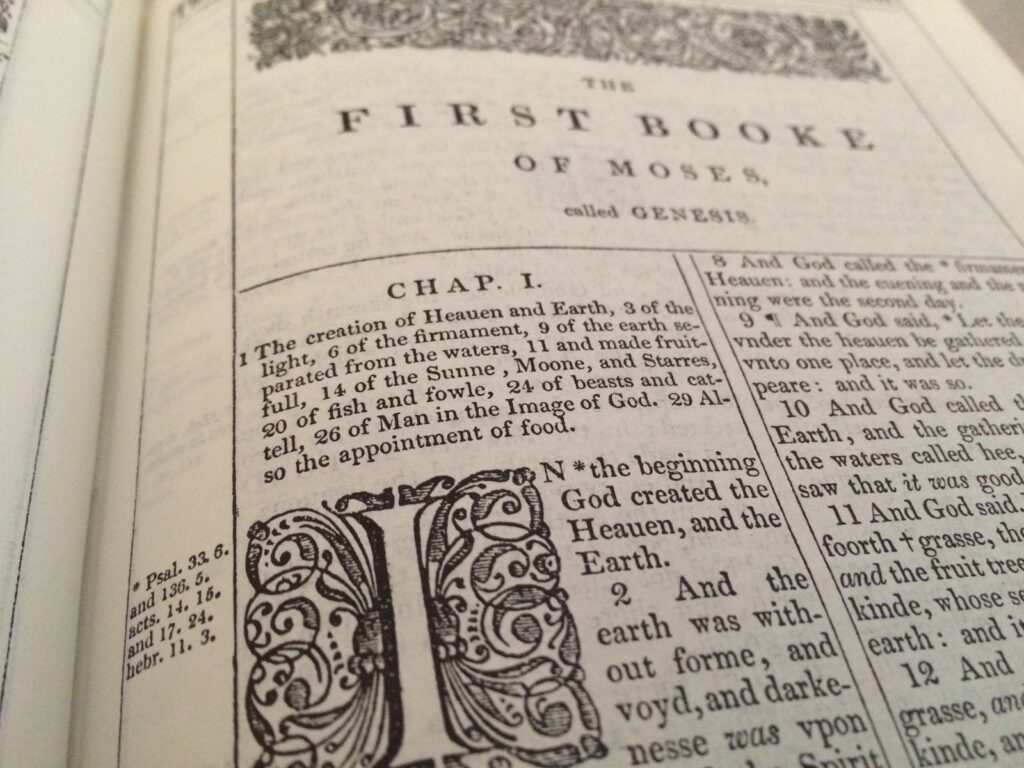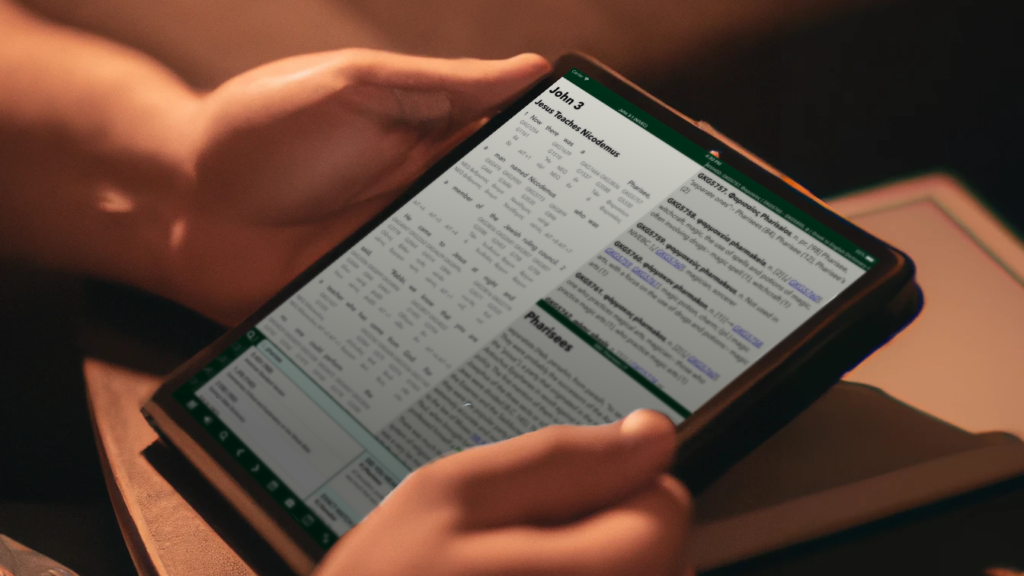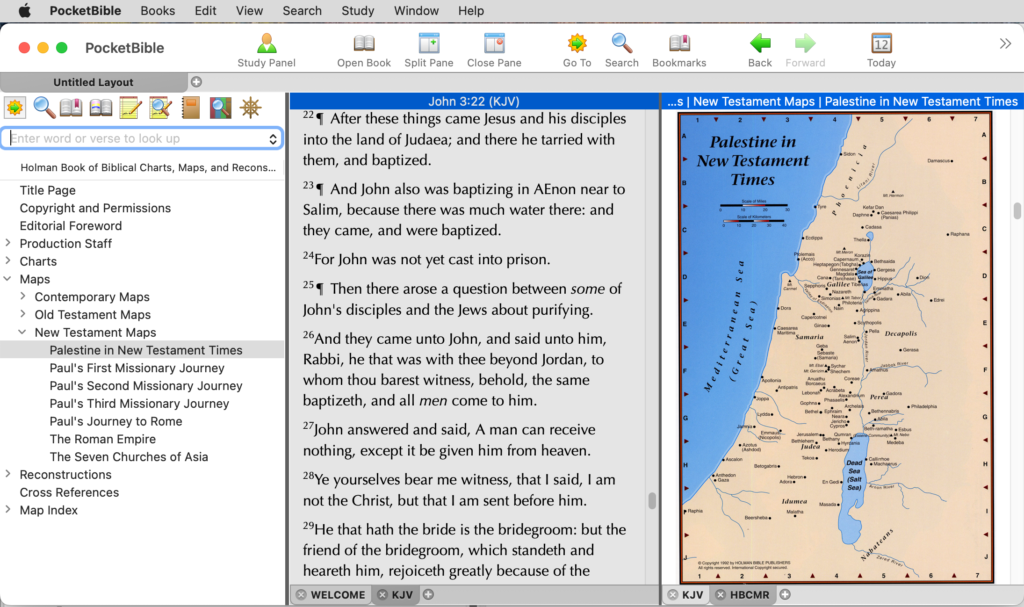

Study Bibles have become very popular over the last few decades. Today they come in many sizes and flavors with some even targeted at specific groups (i.e. women, grandmothers, teens) or purposes (i.e. apologetics, archaeology, recovery). Study Bibles offer a combination of Bible text, brief commentary and extra study helps such as maps, tables, and explanatory or introductory articles. With PocketBible, we provide the study part separately from the Bible text so you can mix and match (with the exception of the ESV Study Bible which includes the Bible text). By “mix and match”, we mean you could use the NIV Study Bible Notes side-by-side with your NKJV Bible or your NLT Study Bible Notes with your ESV Bible.
Think of study Bibles as the Swiss army knife of Bible learning. You get a little bit of everything but you sacrifice depth for breadth as compared to a single purpose tool like a commentary or Bible atlas. For example, the notes or commentary part of a study Bible are designed for quick insight into the Bible. There simply isn’t room for lengthy arguments about what everyone thinks a passage means as is done with multi-volume commentaries.
It’s easy to see the benefit of having a multi-volume commentary on your phone but what about a study Bible? There is still a weight factor to consider even with study Bibles! Wouldn’t you rather have a study Bible on your phone than carry around a mammoth book (even if it is only one volume)? Plus, study Bibles offer extensive cross-references which are more convenient to check with PocketBible.
One of the frustrations I have with study Bibles in general is that they don’t always have a comment on the verse I am interested in. Unfortunately, for brevity’s sake, most study Bibles won’t comment on every verse in the Bible. Thus, it is a good idea to have at least one verse-by-verse commentary in your PocketBible library. On the positive side, if you just want a quick understanding of what a verse means, study Bibles are ideal. You can check there first and move to a commentary for more information. In this way, your study Bible and commentary can work hand-in-hand.
We often get asked “which study Bible is best?” Rather than say one is better than the other, we suggest you consider things like the Bible translation it is based on, any unique helps it offers and how much of the Bible it covers. Here is a comparison chart of the study Bibles we currently offer that can help you make a decision based on those features.
| |
Based on Bible Translation |
Study Notes |
Maps |
Charts |
Illustrations |
Unique Features |
Price |
| ESV Study Bible |
ESV (included) |
20,000 |
200 |
200 |
40 |
80,000 cross-refs; 50 articles |
$34.99 |
| NIV Study Bible Notes |
NIV 1984 Ed. |
20,000 |
16+ |
24 |
10 |
Topical and Note Index |
$14.99 |
| NLT Study Bible Notes |
NLT 2nd Ed. |
20,900 |
Yes |
Yes |
Yes |
Personality Profiles, Book Themes |
$14.99 |
| Life Application |
NA |
10,000 |
NA |
200 |
NA |
Personality Profiles, TouchPoint Topics |
$14.99 |
| MacArthur’s Study Bible Notes |
NKJV |
20,000 |
35 |
100 |
10 |
Overview of Theology, Harmony of Gospels |
$39.99 |
| Dake’s Study Bible Notes |
KJV |
35,000 |
NA |
NA |
NA |
500,000 cross-refs, Pentecostal, Dispensational |
$39.99 |
| Women’s Study Bible Notes |
NA |
Hundreds |
NA |
Yes |
NA |
Topical Articles, Character Portraits, Quotes |
$29.99 |
| Spirit of the Reformation |
NIV 1984 Ed. |
20,000 |
NA |
NA |
NA |
Catechisms and Creeds, Reformed Theology Articles |
$14.99 |
What is your ideal size for a mobile device?
I own an iPad and iPhone. I haven’t even held the mini let alone considered purchasing one. However, I have been drooling over the Galaxy Note to replace my iPhone for many months (so long in fact that the Note I wanted has become the Note II). Bottom line, I want a bigger phone. From Twitter to PocketBible, I like the bigger screen size of my iPad yet I don’t want to lug it around everywhere. So the solution in my mind has been to get a bigger phone like the Note.
Today I came across this article on ZDNET by Matt Baxter-Reynolds, “Has Apple redefined the tablet as an 8-inch device?” where he explains how he fell in love with the iPad mini and ditched his iPad. He makes a case for this middle size device becoming the new norm with the popularity of devices like the iPad mini, Google’s Nexus 7 and the Kindle Fire. He’s got me thinking about getting a mini to replace everything!
What do you think? Could you live with one device for everything? What is your ideal mobile device size?
Posted in Industry Commentary | 33 Comments »
Study Bible or Commentary – which is better?
Think of study Bibles as the Swiss army knife of Bible learning. You get a little bit of everything but you sacrifice depth for breadth as compared to a single purpose tool like a commentary or Bible atlas. For example, the notes or commentary part of a study Bible are designed for quick insight into the Bible. There simply isn’t room for lengthy arguments about what everyone thinks a passage means as is done with multi-volume commentaries.
It’s easy to see the benefit of having a multi-volume commentary on your phone but what about a study Bible? There is still a weight factor to consider even with study Bibles! Wouldn’t you rather have a study Bible on your phone than carry around a mammoth book (even if it is only one volume)? Plus, study Bibles offer extensive cross-references which are more convenient to check with PocketBible.
One of the frustrations I have with study Bibles in general is that they don’t always have a comment on the verse I am interested in. Unfortunately, for brevity’s sake, most study Bibles won’t comment on every verse in the Bible. Thus, it is a good idea to have at least one verse-by-verse commentary in your PocketBible library. On the positive side, if you just want a quick understanding of what a verse means, study Bibles are ideal. You can check there first and move to a commentary for more information. In this way, your study Bible and commentary can work hand-in-hand.
We often get asked “which study Bible is best?” Rather than say one is better than the other, we suggest you consider things like the Bible translation it is based on, any unique helps it offers and how much of the Bible it covers. Here is a comparison chart of the study Bibles we currently offer that can help you make a decision based on those features.
Posted in Book Reviews | 5 Comments »
Android Installation Instructions
You need to make sure you’ve enabled “third party apps” on your Kindle. Go to Settings and look for “Device” (it may be in the “More…” menu). Look for “Allow Installation of Applications” and turn it on. You’ll get a warning message but that’s OK – they’re just trying to scare you into only buying software from Amazon.
Once you’ve done that, just go to the Web browser on the Kindle and type in this:
PocketBible should automatically download. On some devices, you’ll be prompted to install the app but on the Kindle you may have to tap the notification number next to your name in the upper left corner of the screen. You will then see a list of notifications. One of them should say something like com.laridian.pocketbible or pocketbible.apk and “download complete”. Select that one.
You’ll be asked if you want to install PocketBible and it will ask if you want to allow PocketBible to use network communications and some other things. Choose the “install” button and when it’s done choose “open”.
Once PocketBible is installed you can choose it from the carousel like any other program. The PocketBible icon will look “blurry” but that’s OK — Amazon uses low-resolution icons for third-party apps because they’re upset that you didn’t give them any money to run the software on their device, so they want to make you think there’s something less than professional about our app. Don’t worry about that.
Posted in Android, Tech Support - General | 3 Comments »
New for PocketBible, IVP Dictionary of the OT: Pentateuch
As with the other dictionaries in this series, the IVP Dictionary of the Old Testament: Pentateuch represents the best of evangelical scholarship available today on this area of the study. The articles focus on both the biblical text and the conversation about that text among contemporary scholars. All articles were written exclusively for this dictionary and inform and challenge with authoritative overviews, detailed examinations and new insights from the world of the ancient Near East. Includes hundreds of cross-references and extensive bibliographies.
The IVP Dictionary of the Old Testament: Pentateuch sells for $39.99 and is available for use with PocketBible for iOS, Android, Windows PC and Windows Mobile. It is also available for use with MyBible for Palm OS.
Posted in New Books | No Comments »
7 Ways to Read through the Bible with PocketBible
Which PocketBible Bible reading plan is best for you?
The Bible reading plans mentioned above simply list the verses you are to read each day. You can then link from the verses to any of your Bibles in PocketBible to read the assigned verses in a translation you like. The devotionals mentioned above will offer similar verse links plus devotional comments about the verses you have been assigned to read for the day.
Posted in Book Reviews, How to's, New Books | 14 Comments »
New for PocketBible: Wiersbe’s Bible Commentary
Wiersbe’s “Be” Series were originally published as 50 titles covering the entire Bible. Over 4 million of these titles are in print. Now the practical wisdom and insight of this series can be available to you as you study the Bible in PocketBible with the Wiersbe Bible Commentaries.
Posted in New Books | No Comments »
PocketBible 2.0.6 Available on the App Store
We apologize for the delay getting our iOS6-compatibility fixes into PocketBible. We ran into a couple of issues getting our update past the Apple approval process. In the end, being forced to address those issues caused us to find a couple tricky bugs that wouldn’t have turned up otherwise. But the whole process ended up taking longer than we wanted.
The complete list of new features and bug fixes is below, but a couple are worth highlighting. First, this version adds support for the Greek New Testament. You should find the SBL Greek New Testament in your list of downloadable books in “Add/Remove Books”. There are instructions in the built-in Help for enabling the Greek keyboard so that you can do searches in Greek.
Several bugs introduced in iOS 6 have been circumvented. In particular, you may have noticed PocketBible would only read the first verse on the screen to you when you asked it to start reading. This has been fixed. And it’s not really a bug, but PocketBible will now take advantage of the full height of the screen on the iPhone 5. (This wouldn’t have been a problem except that Apple “lies” to our app when we request the size of the iPhone 5 screen, apparently to maintain compatibility with apps that aren’t as clever as PocketBible by making them think they’re running on an older device.)
I believe we’ve finally fixed the problem of books and voices disappearing when memory runs low. Apple changed the way they do this a couple of times over the last year or so and kept defeating our efforts to preserve our files. We think we have it figured out now.
Finally, PocketBible now requires at least iOS 5. The latest version of the development tools only produces ARMv7 binaries and there are no ARMv7 devices that don’t support iOS 5. We’d like to support older versions of the operating system, but we’re limited by what the development tools support.
What’s new in this version?
Posted in iPad, iPhone, Product Updates | 14 Comments »
NEW! Export, Share and Publish your PocketBible Notes, Bookmarks and Highlights
Possibilities abound
Over the years, PocketBible users have asked for the ability to export their valuable personal data out of the program. Yes, you can now do this but we’ve taken it a step further. You choose whether you want to export your notes, highlights or bookmarks. With any of those three options, we provide you with an html file that you can:
What kind of book could you publish for PocketBible?
To encourage your self-publishing efforts, we’ve lowered the prices of both versions of BookBuilder:
There’s never been a better time to consider publishing a PocketBible book!
Getting Started
The first step is to synchronize your PocketBible data with the Laridian Server. A synchronization option is available in every version of PocketBible (except Android OS – still to come!) The second step is to login to your account on the Laridian website and choose the new My Data link. You’ll find complete information on what you can do with your data and how to do it.
Let us know what you think
We hope you like this new flexibility in using your personal PocketBible data. Is this something you will use? Let us know how you will share your writings in the comments below.
©2013 Laridian Bible Software