
When traveling near the speed of light, one experiences both the dilation of time and the contraction of distance. An astronaut traveling to a distant star at near light speed experiences less time than his friends back on Earth. He arrives at his destination sooner than expected because he also experiences less distance to that destination — as he accelerates toward light speed, his destination appears to be disproportionately closer to him than it would appear if he were at rest.
Then an interesting thing happens as he gets closer and begins to slow down — his destination gets farther away. This is due to the reduction in the effect of length contraction as he slows towards being stationary with respect to the destination.
We see the same thing happen in the software world. As we approach the end of a software project and find ourselves implementing fewer new features and solving fewer bugs, the release date appears to move farther away. The effect of taking 4 weeks at the beginning of a project to solve a major problem is relatively minor in the grand scheme of things. But taking 4 weeks on a single task at the end of a project makes it feel like it is never going to be completed.
Reactivity
One of the major challenges we’ve faced in the last couple of months is related to Vue — the user interface framework we use. Vue is a “reactive” system. That is, if you want to display some text on the screen, you don’t write code that moves to a particular (x,y) location and outputs the text in a particular font, but rather you define an area of the screen that will display text in a certain font, then attach a particular variable in your code to that area of the screen. Now when you change that variable, the screen is updated with its new value. In other words, the user interface reacts directly to changes in your data.
In order to know when it needs to update the screen, Vue wraps its own code around these reactive variables. It is very good at doing its wrapping. If you’re not careful, it can “infect” certain pieces of data with its reactive wrapper. The result is not only inefficiency (since a bunch of unnecessary code is executed when you change the value of a variable) but potential confusion as Vue believes you’re changing data at a time when you shouldn’t be changing it. In reality, Vue shouldn’t be paying attention to it at all, and everything it reports is nonsense.
One common problem is changing the value of a reactive object or variable while Vue is getting its value in order to render the screen layout. This seems easy to avoid (why would you change something while getting its value?) but in reality, it happens often. For example, the table of contents of a book is a static piece of data. But we don’t keep it all in memory at the same time. So when you want to display the table of contents on the screen, we have to read it from the book. Doing so changes the value of the file pointer that tells us where we are while reading the file. In other words, reading static data (the table of contents) changes a value (file position) in the object in our code that represents the book. If Vue has wrapped this object with its reactivity code, it believes you are changing the data while it’s trying to read it.
The other way this can happen is when accessing some piece of data from a book that needs to be constructed the first time it is accessed but is static after that. Consider the field where you type the name of a book of the Bible that you want to go to. That field needs access to a list of all the book names and the abbreviations of those names that are in this Bible. That information isn’t stored directly in the book file — we have to iterate over the list of all the books of the Bible that are in this particular Bible and generate a supplemental list of all possible names and abbreviations. Consider, for example, 2 John. You might enter “2 John”, “2 Jn”, “2John”, “2J”, “2Jn”, “II John”, “Second John”, etc. We keep a list of all possibilities so we can auto-fill the field. So the act of getting the list of book names for the first time will cause the list of names to be stored in the book object for use if you need it later. Storing the list in the book object that has been infected with reactivity code makes Vue believe you’re changing data while it’s trying to read it.
There are certain significant data structures in PocketBible that are susceptible to this unnecessary infection by Vue’s reactivity code. For example, we keep a list of books that you own. Some are open, some are installed but not open, and some are back on the server. We know a little about the ones on the server; more about the ones that are installed; and a lot about the ones that are open. What we know about each book is stored in an “object” that is the representation of that book in the list.
For the most part, this large list of book objects is not directly displayed anywhere on the screen and Vue doesn’t need to know about it. Our code will reference it when getting Bible text or when showing you the table of contents of a reference book. But you’re rarely looking directly at data directly stored in this list. As a result, this list is immune to being infected by reactivity code, and we’re free to change the data it contains whenever we want.
But because this list is so central to almost everything PocketBible does, it isn’t difficult to accidentally expose it to Vue, then have the result of the reactivity infection show up in a completely different part of the app.
We’ve spent a lot of time in the last 3 months chasing down a major bug related to this reactivity infection phenomena. We’ve been seeing the symptoms for quite a while but hadn’t taken the time to look into it until recently. We think we have it solved but it’s the kind of thing that can pop back up at any time.
New Bible Format Implementation
We continued and perhaps finished work on integrating the new Bible format that we’ve been talking about for the last year or so. In addition to the basic functionality we added some enhancements that allow us to see the version numbers of this Bible data and identify where it came from so that future troubleshooting should be easier.
Link Preview
We began work on the link preview function, where hovering over a link causes the target of that link to be displayed in a pop-up window. For example, hovering over a Bible reference will cause that verse to be shown as long as your mouse is hovering over it. The user interface portion of this task (tracking your mouse and popping up a window) is basically complete; now we need to implement code to get the text that populates the window.
We’ll also be adding code to activate the link preview pop-up on long press for touch-screen devices.
Delete Books
We implemented the ability to delete books installed on your machine. This is trickier than you might think, since you have to make sure the book is not left open in one or more panes after it has been deleted.
Miscellaneous
We fixed a problem with devotional start dates and at the same time, found a problem that might be related to 2024 being a leap year. Should be easy to fix once we take the time to look for it.
We fixed a problem when trying to find an installed book when you only know its publisher ID and book ID. This is rarely used but could have caused a hard-to-find bug had we not caught it when we did.
When looking for a Bible to handle a link (or, in general, any book to handle any link) errors were always being reported to the user even though there are some cases where we want to know there was an error but don’t necessarily want to show it to the user.

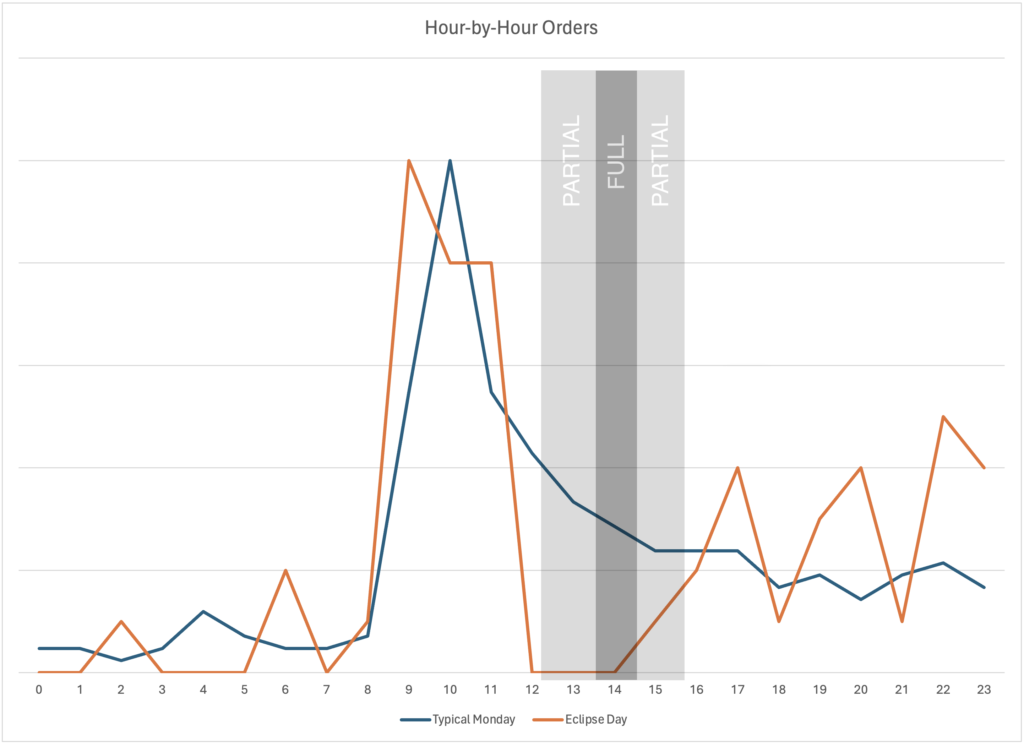

 This is consistent with what we’ve come to know about our PocketBible users. I believe that our age (yes, I’m in that “over 55” group, too) puts us in a generation that trusts the authority of the Bible and therefore wants to know more about it. We also believe there are people smarter than us who have things to say about the Bible from whom we can learn. Younger people tend to value the experience of God. They learn about God through their community experiences with their fellow believers. As a result they have less dependence on the kind of commentary and research tools at which PocketBible excels. Not all of them, of course; we continue to add new users of all ages to the PocketBible family.
 This is consistent with what we know from being in the Christian publishing business for over 30 years. People who purchase Bibles and Bible study materials tend to be on the more theologically “conservative” end of the spectrum and they tend to describe themselves as neither Catholic nor Protestant. That “Bible-believing” term sums up who they are. This has been true the entire time I’ve been in this business.
 Most of you are still using Google for searches even though it puts your privacy at risk. The next most popular choice is arguably the right one: Duck Duck Go.
 Most of you use PocketBible every day and almost 90% use it more than just in church on Sunday.
  94% of you are somewhat or very satisfied with PocketBible. You are most interested in the same kinds of resources that we are already producing — commentaries, dictionaries, Bibles, and atlases. You have some very specific recommendations in some cases, and we’ve made a note of those.
 When I got the Vision Pro, I saw someone on YouTube put a meter inline with the charging cable and note that it would draw up to 60 watts when connected to his MacBook power supply, even though it ships with a 30 W power supply.



 The WEB is an updated version of the 1901 ASV text. It doesn’t go out of its way to be overtly “modern” but rather just updates the language to sound more natural to today’s readers. I especially like that it uses “Yahweh” for the name of God in the Old Testament, which I believe “personalizes” God and makes him more of an active character in the narrative instead of a distant and disconnected force that meddles in human affairs in ways beyond our understanding.
 When the 2020 NASB was introduced, I started in Genesis and read it cover-to-cover. I was expecting to be disappointed, as I had always been when trying to read the 1995 edition. While the latter was good for word studies, it didn’t read well. It was rather jarring to the ears. The 2020 edition seemed much smoother without resorting to paraphrase or functional equivalence.
 As a new Christian, I attended churches that taught from the KJV for about 25 years. I’m one of a shrinking number of people that don’t find the KJV, which mixes a little Middle English grammar into its Early Modern English text, to be off-putting. When I remember a few words of a verse and need to do a search to find it, I tend to do that search in the KJV, betting that the dark corners of my memory are recalling its particular wording.
 Dr. Tom Constable from Dallas Theological Seminary does an outstanding job of presenting a conservative, evangelical point of view while making room for alternative explanations. He backs up both his own opinions and alternative opinions with quotes from third parties who champion those points of view. Since these are literally just his own personal notes collected over the years, they don’t suffer from having been over-edited by a publisher and a marketing department.
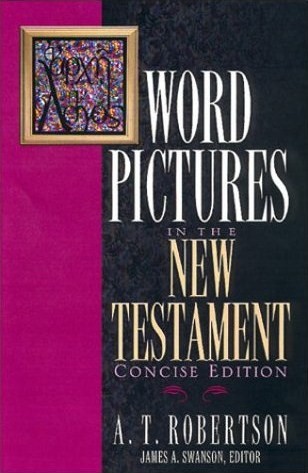 This is an update to Vincent’s Word Studies in the New Testament, which is also a recommended book. You would think a book on word studies would be a dictionary in PocketBible, but Robertson presents his work verse-by-verse, which makes it easy to find what you’re looking for while reading.
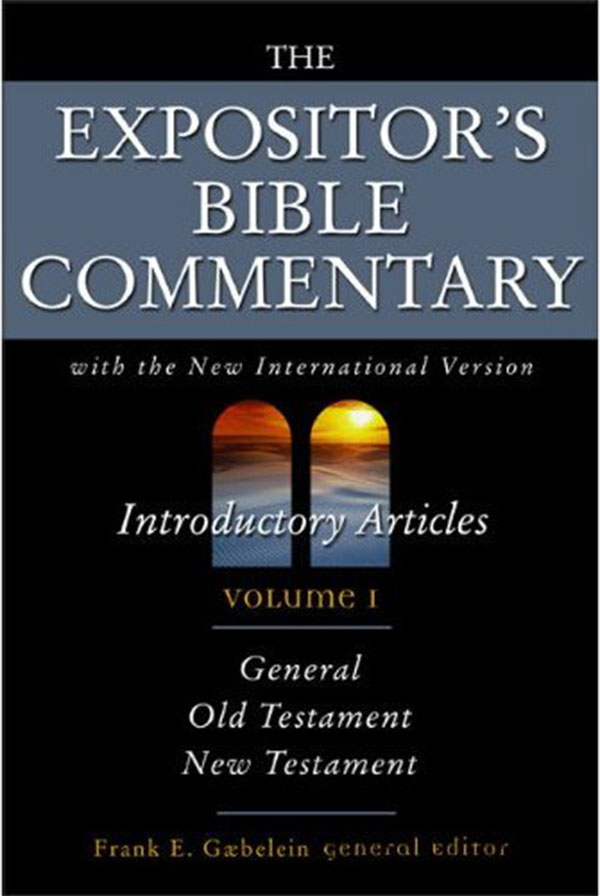 I tend to keep the full edition of this commentary on my devices, but the abridged edition is an affordable alternative that doesn’t lose much in the abridgement. I like this commentary for its deep, scholarly treatment of the subject matter and its willingness to discuss alternative points of view.
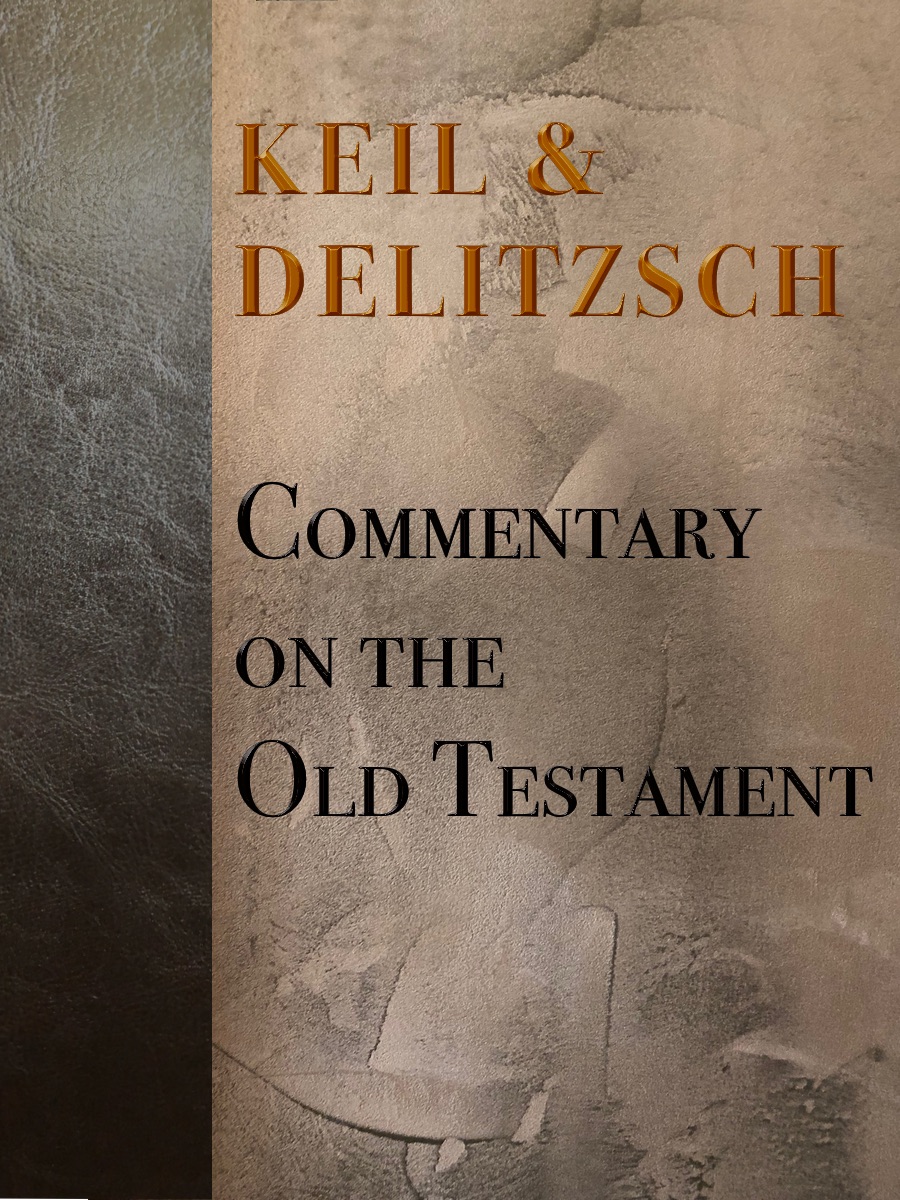 This is not for the faint of heart. You don’t have to be able to read Hebrew, but it might help. This commentary isn’t for everyone, but it’s one place I look when sussing out nuance of meaning from Hebrew.
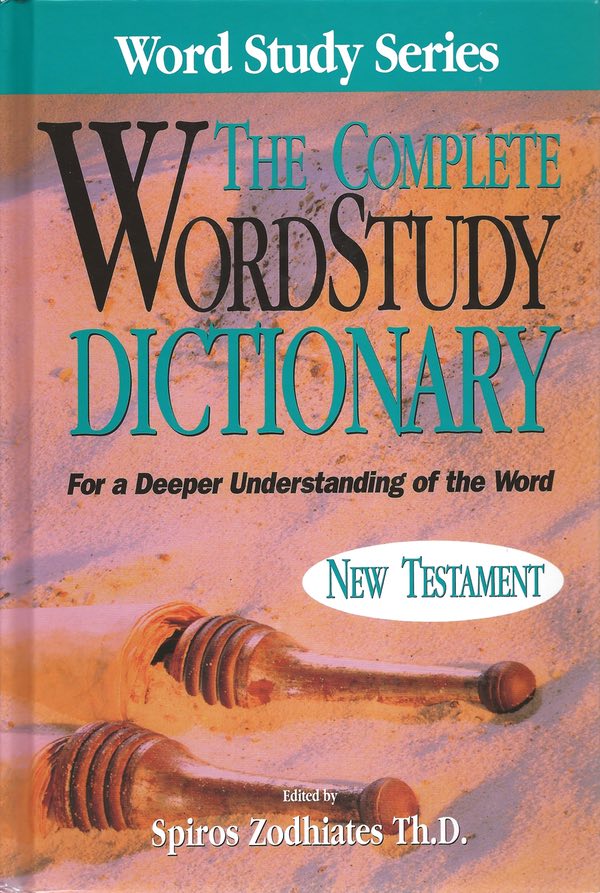 These dictionaries (OT and NT volumes) are ideal companions to any of our Bibles that contain Strong’s numbers. They provide significantly more detailed definitions than do the default dictionaries that come with those Bibles.
 Deluxe Bible Maps is a thorough atlas of every region, battle, time period, people group, etc. The maps themselves are pretty simple, but the place names are linked to short descriptions in the accompanying dictionary of Bible places.
 This is a hidden gem in our catalog. It’s actually two books. The Dictionary of Bible Themes is like Nave’s Topical Bible. The topics are organized like a systematic theology. Each contains links to verses and other related topics. Also included is the Dictionary of Bible Themes Scripture Index, which functions like the Thompson Chain Reference Bible and is organized like a commentary in PocketBible so that it follows along with verses as you read them and links you to topics appropriate to that verse.
 Yeah, I know — this is my book so of course I picked it. Think of it this way instead: This is how I prefer to read through the Bible in the morning, so I wrote it. The 7-Minute Bible is the text of the World English Bible (WEB) organized chronologically, harmonized where appropriate (i.e. Kings/Chronicles and the Gospels), the edited to remove the things that are going to cause you to stop reading through the Bible (like 9 full chapters of names at the beginning of 1 Chronicles). I find I can read through the entire 7-Minute Bible in 4 months if I read just 15 minutes per day.
 This is a recently published series of books that takes a fresh look at the Old Testament in the light of our best understanding of the Hebrew language and the literature of the Ancient Near East. The goal is to read the text from the perspective of the people to whom it was originally written.
 I’m not a fan of the Psalms. It’s an interesting little book of song lyrics but I find it hard to identify with. I’m not pursued by my sworn enemies into caves and crevices on a regular basis. I’m not a song-writer looking for lyrics. But — if I have to read a song book, I need it to rhyme and I need it to be singable in standard meter. This little book translates the book of Psalms into truly singable works. I thought about modernizing the language and using this for my 7-Minute Bible, it’s that good. Maybe in version 2.
  This is a fascinating little pamphlet that makes the case that there has always been one true, biblical church fashioned on the principles of the New Testament and not falling under the hierarchy of any denomination. It argues that Catholicism (and subsequently Ortodoxy and Protestantism) split from this true version of the Church and went off in their own direction but that there still exists pockets of real New Testament churches today. Whether you believe that or not, it’s a fascinating hypothesis that happens to be correct. Like I said — my article, my rules. 🙂
 This 22-volume collection provides a wealth of historical, cultural, and geographic background on what we read in the Bible.