
Following up on our last post, I asked ChatGPT 4 to summarize the life of Jesus as presented in the Gospels, then explain what the New Testament says our response to his life, teachings, ministry, and example should be. It generated a dozen titles for this article and I asked it to pick the best one. It picked the one you see above.
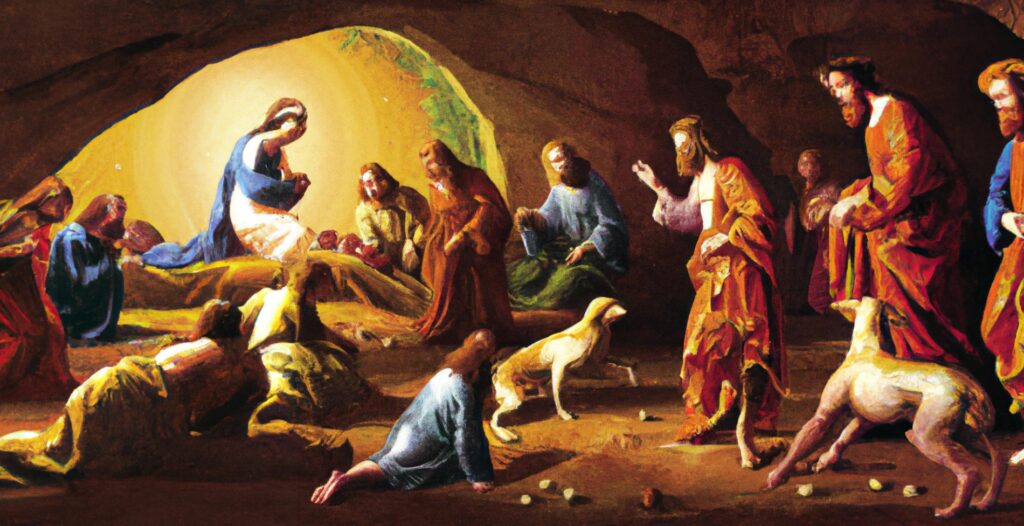
I then asked DALL•E to create an image that depicts an event in the life of Christ in a “realistic, Renaissance style” to use with this article. It seems to have depicted Jesus’ birth going on in his tomb while he teaches at some kind of a dog fight and a two lame men crawl to him to be healed. DALL•E has a ways to go, in my opinion.
The Life of Jesus
The life of Jesus Christ, as depicted in the New Testament’s four gospels, begins with His miraculous birth in Bethlehem to the Virgin Mary and her husband, Joseph. This event, heralded by angels and later celebrated by the visit of the Magi, confirms the fulfillment of Old Testament prophecies regarding the coming of the Messiah.
As an adult, Jesus is baptized by John the Baptist in the Jordan River, marking the beginning of His divine mission. This event is immediately followed by a forty-day period of temptation by Satan in the desert, which Jesus resists. He then commences His ministry in Galilee, recruiting His first disciples – Peter, Andrew, James, and John.
Among the most significant events during Jesus’s ministry is the Sermon on the Mount, where He delivers profound spiritual truths and moral guidelines, including the Beatitudes and the Lord’s Prayer. Jesus’s time on Earth is also marked by numerous miracles, demonstrating His divine power through acts such as healing the sick, casting out demons, feeding a multitude, and walking on water. He conveys His teachings through parables, offering lessons about the Kingdom of God, forgiveness, and love.
At one point, Jesus is transfigured on a mountaintop before Peter, James, and John, where He converses with Moses and Elijah, further affirming His divine nature. Eventually, He journeys to Jerusalem, resurrecting Lazarus from the dead along the way. His triumphant arrival in Jerusalem, marked by crowds greeting Him with palm branches, signals His role as the prophesied King.
During His final week in Jerusalem, Jesus cleanses the Temple and engages in heated debates with the Pharisees and Sadducees. He foretells His death and resurrection and, at the Last Supper, establishes the practice of sharing bread and wine as symbols of His body and blood.
The climax of Jesus’s life story unfolds with His betrayal by Judas, subsequent arrest, trial, and crucifixion under Pontius Pilate. However, death does not claim Him; on the third day, He rises from the grave, first appearing to Mary Magdalene, then to His disciples. After spending forty days further instructing His followers, Jesus ascends to heaven.
Although the Apostle Paul does not contribute directly to the gospel narratives, his epistles provide profound insights into Jesus’s teachings and their implications. Paul emphasizes Jesus’s role as the Messiah, advocating for justification through faith in Christ, the transcendence of the law by God’s grace, and the concept of the Church as the body of Christ. His teachings illuminate the transformative power of God’s love in Christ, the reconciliation between God and humanity through Jesus’s sacrifice, and the hope of eternal life offered by His resurrection.
Our Response to Jesus’ Life
In response to Jesus’ life, ministry, teachings, and example as depicted in the New Testament, there are several fundamental actions that individuals are encouraged to take.
The cornerstone of this response is faith, a deep-rooted trust in Jesus Christ as the Son of God and acceptance of His sacrifice for humanity’s sins. This faith goes beyond intellectual agreement, involving an inner commitment to Jesus as one’s savior, leading to salvation and eternal life.
Repentance is another pivotal aspect. It means turning away from sin, acknowledging our shortcomings, and striving to change our ways to align our lives more fully with God’s will. It’s an ongoing process of spiritual growth and moral improvement that Jesus’ teachings continually emphasize.
Love, as taught by Jesus, is central to the Christian response. This involves the Greatest Commandment: loving God wholeheartedly and loving our neighbors as ourselves. It means embracing kindness, compassion, and justice, reaching out to others in empathy and understanding.
Obeying Jesus’ teachings and commandments is another vital response. Adherence to His guidance involves ethical and moral conduct such as honesty, forgiveness, humility, and non-retaliation. It’s about living out the principles laid out in the Sermon on the Mount, embodying the values Jesus championed.
Jesus also calls for followership, a commitment to follow His example of humility, service, and sacrificial love. This means willingly bearing individual crosses, forsaking selfish desires, and potentially suffering for Christ.
Finally, Christians are charged with spreading the Good News of Jesus’ life, death, and resurrection to all people. Jesus commissioned His followers to share His message, to engage in evangelism and discipleship, leading others to faith and supporting them in their spiritual journey.
Overall, the New Testament presents a transformative response to Jesus’ life and teachings, calling for personal faith, repentance, love, obedience, followership, and commitment to sharing the gospel.
How Did it Do?
ChatGPT 4 did a good job summarizing the life of Christ and teachings of the New Testament, without adding a bunch of expected disclaimers about how opinions vary and that the authenticity of the accounts should be questioned. It also taught me and my spell-checker a new word, “followership”, which is the capacity or willingness to follow a leader.
Let me know what you think in the comments.


 What we didn’t realize is that we had been lying to ourselves about no longer needing to update the code in PocketBible when a new Bible was released. There were conditions under which that lie was definitely true. But there were still small, special cases scattered throughout the code and not handled by a data table in the LBK file. For example, some Bibles contain verses with suffixes, like Isaiah 14:25b and Psalm 68:12a, 12b, 13a, 13b, 14a, 14b, and 14c. In the apocrypha, Sirach has a chapter called “Prologue” that is called “Forward” in some Bibles. Esther has chapters A-F in addition to its numbered chapters. While we could map all of these verses to their corresponding verses in other Bibles using the tables that we had moved into the LBK file, when we wanted to print out the Bible reference “Psalm 68:12b” there was a piece of code that got called to look at the stored verse number (which was 14 in this case — 12a was 12, 13a was 13, and 12b was 14) and return the correct “spelling” of that verse number (the 14th verse in Psalm 68 is “12b”).


 The original logo of Apple Computer Co. was this woodcut. In it, we see Sir Isaac Newton about to “discover” gravity when an apple falls on his head. The story is undoubtedly apocryphal, but, just like we imagine naked Adam and Eve gorging themselves on apples behind conveniently arranged foliage, the image of Sir Isaac Newton sitting under an apple tree in his Sunday best while reading a book is how we imagine gravity being discovered.
 “Aha!” you might exclaim. “That’s the bite by which Eve disobeyed God!” You would exclaim that right before I smacked you upside the head and reminded you that the fruit of the Tree of the Knowledge of Good and Evil was not an apple, but rather was the fruit of the Tree of the Knowledge of Good and Evil.
 First, let me say that this was a slow quarter for progress. It has gotten to where I (Craig) am usually the only programmer working on this project and the end of the year has required me to turn my attention to other things. Probably the biggest of these was wrapping up my
  Finally, this quarter is when we update our

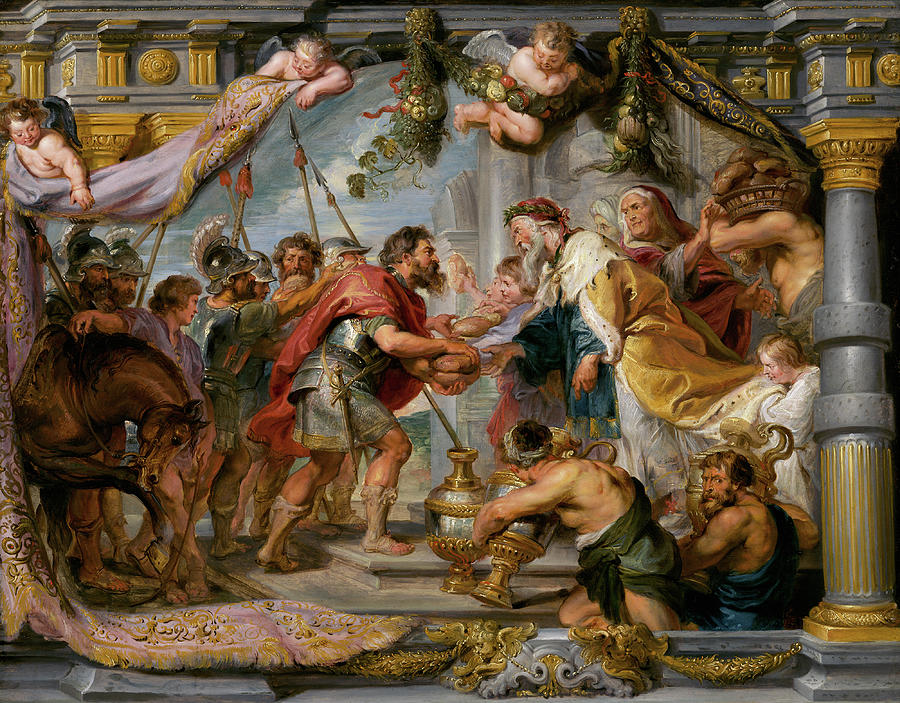


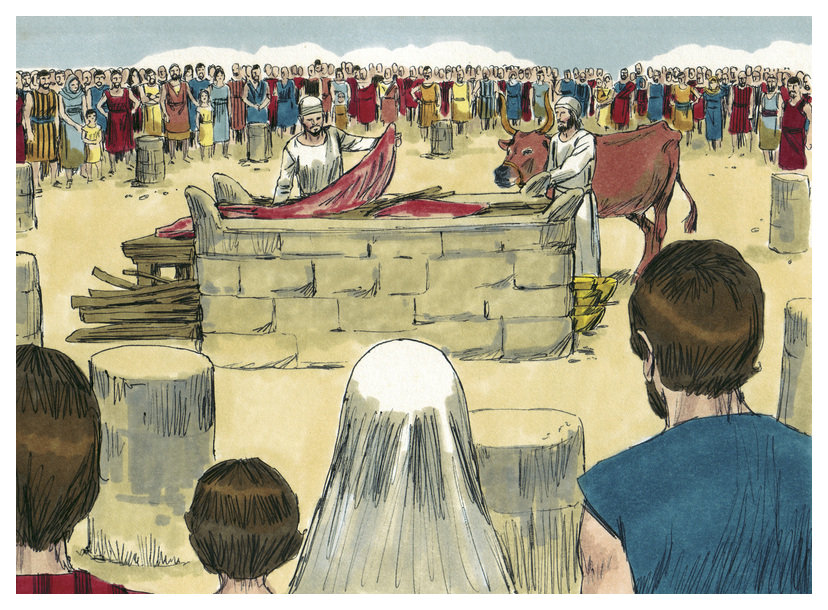
 These details are absolutely important — if you’re a descendant of Levi ministering in the tabernacle or temple. But a more general understanding of the Old Testament sacrificial system is all that is needed for Christians trying to read and understand the Bible today. We need to know that God required a blood sacrifice for sin. Then we can understand what we read in Hebrews: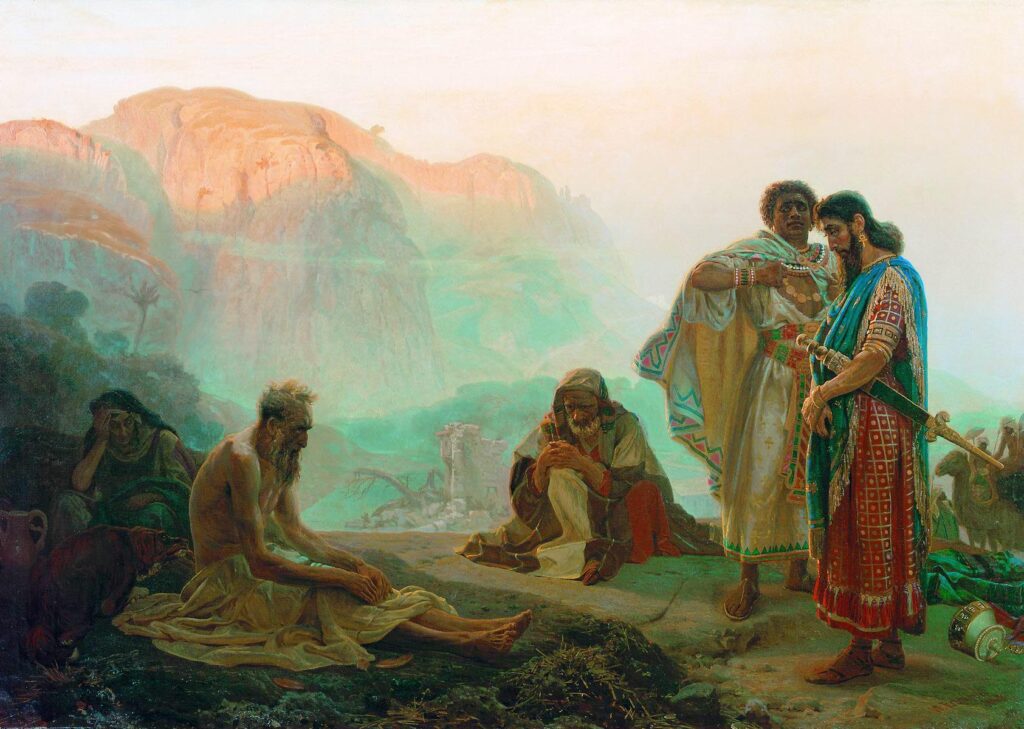
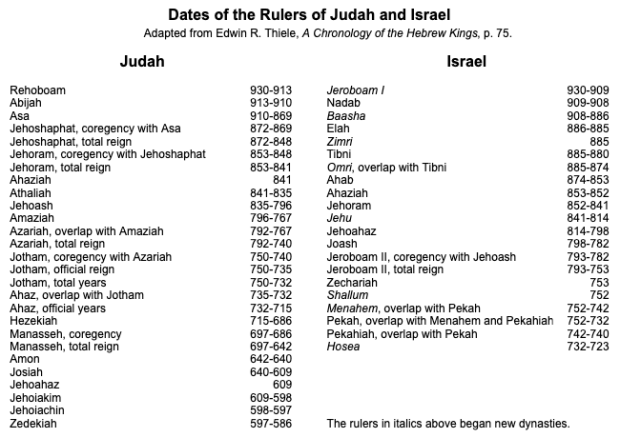
 The biblical character Job is among the most ancient persons in the Bible. He is believed to be a contemporary of Abraham (circa 2000 BCE). In the traditional 66-book Bible, the story of Job is found after the book of Esther and before the book of Psalms. The book of Esther describes events in Persia around 480 BCE, around the time that the first remnants of the Jews were returning to Judah after being deported. Most of the Psalms date to the time of King David, 500 years earlier (around 1000 BCE). Based on what you read before and after Job, it would be easy to get the impression that Job was a Jew (he was not), or that he was a contemporary of Saul, David, and Solomon (he was not), or that he lived after the deportation and captivity of Israel and Judah (he did not).